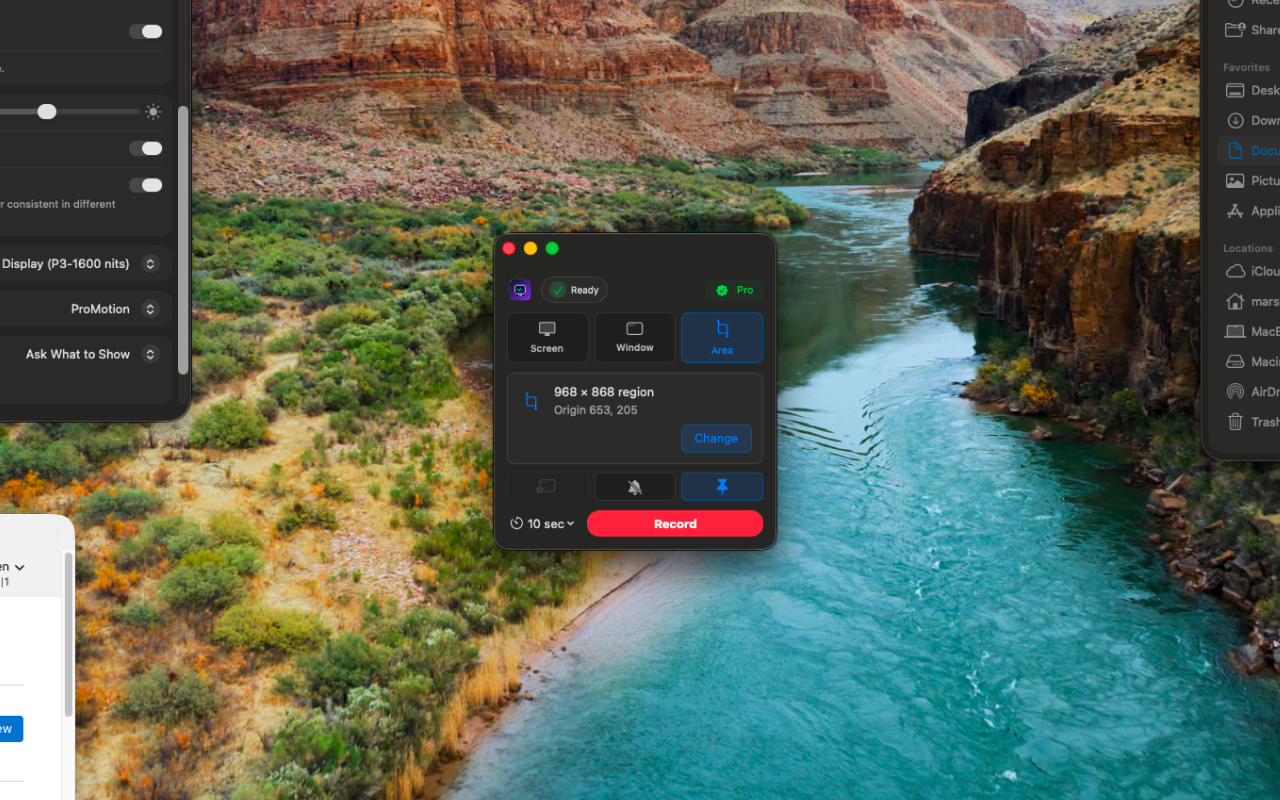
Screen, window, or region
Record a full desktop, a single app window, or just a section of the screen.
30Recordr is something I wanted for those moments that happen too quickly to record on purpose. It keeps a short rolling buffer of your screen and system audio, so the clip is already there when you need it.
30Recordr is currently under review with Apple. When it goes live, purchasing happens inside the app with Apple's built-in in-app purchase, so there is no website checkout or direct download here anymore.
I wanted the page to feel like the project itself: quiet, direct, and easy to understand without too much explanation.
Record a full desktop, a single app window, or just a section of the screen.
System audio output is captured alongside the screen — no extra setup needed.
Records continuously but only keeps the last 10 s, 30 s, 1 min, or 3 min.
Privacy and terms for the Mac App Store release.